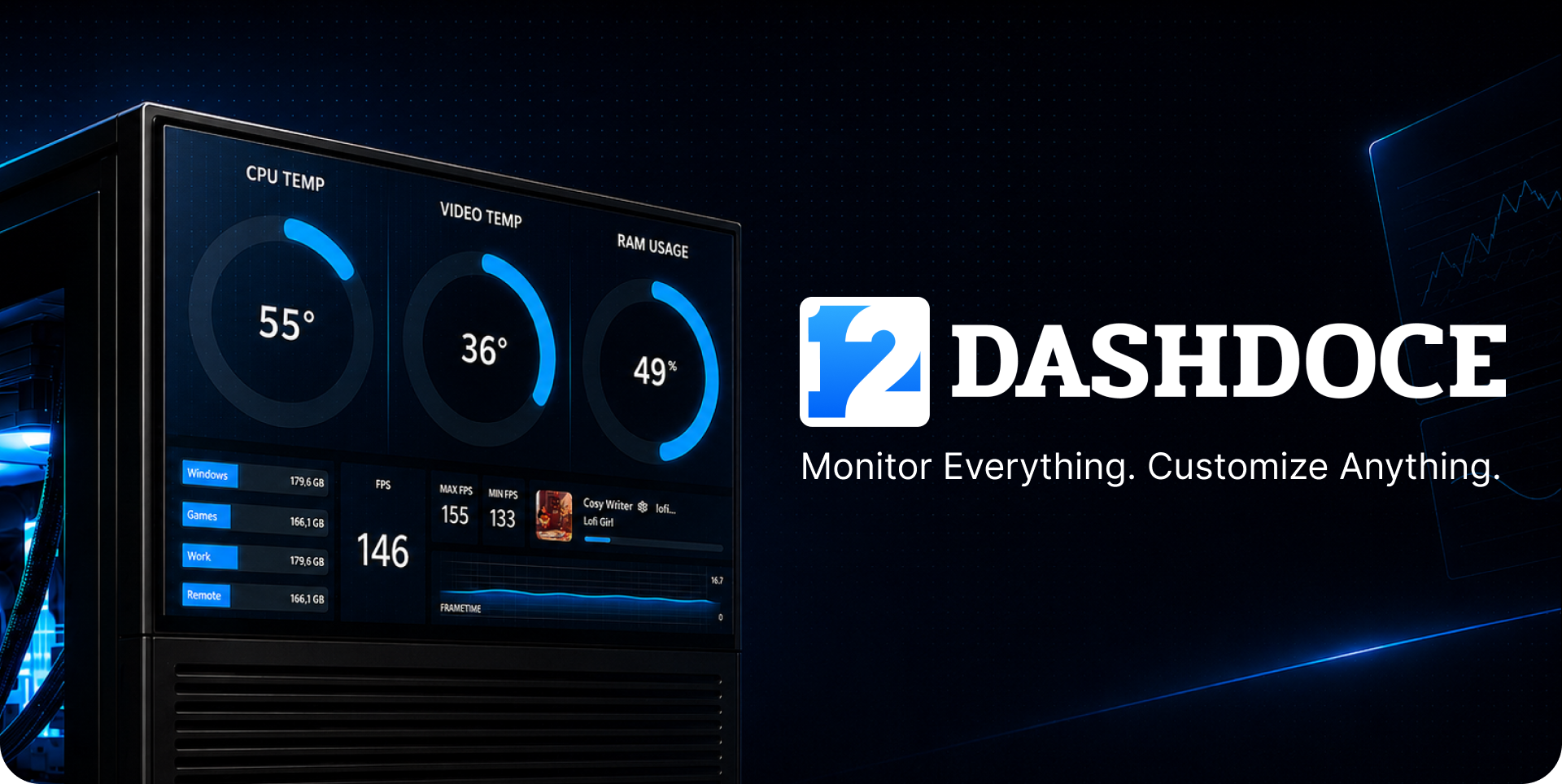
Dashdoce
A downloadable software for Windows
BUILD YOUR COMPLETE PC COMMAND CENTER
Turn a second screen into a fully customizable dashboard for your setup—or keep essential information on your main display with Dashoverlay. This paid edition gives you the complete visual editor, advanced monitoring and the full history experience without writing code.
TRY DASHDOCE FREE FIRST
Want to make sure Dashdoce fits your setup? Try the free edition first to explore the editor, build a dashboard and check compatibility with your PC. Download Dashdoce Free.
EVERYTHING UNLOCKED
• Create unlimited Dashdoce and Dashoverlay themes.
• Import and export themes.
• Access detailed sensors, including available per-core and per-thread readings.
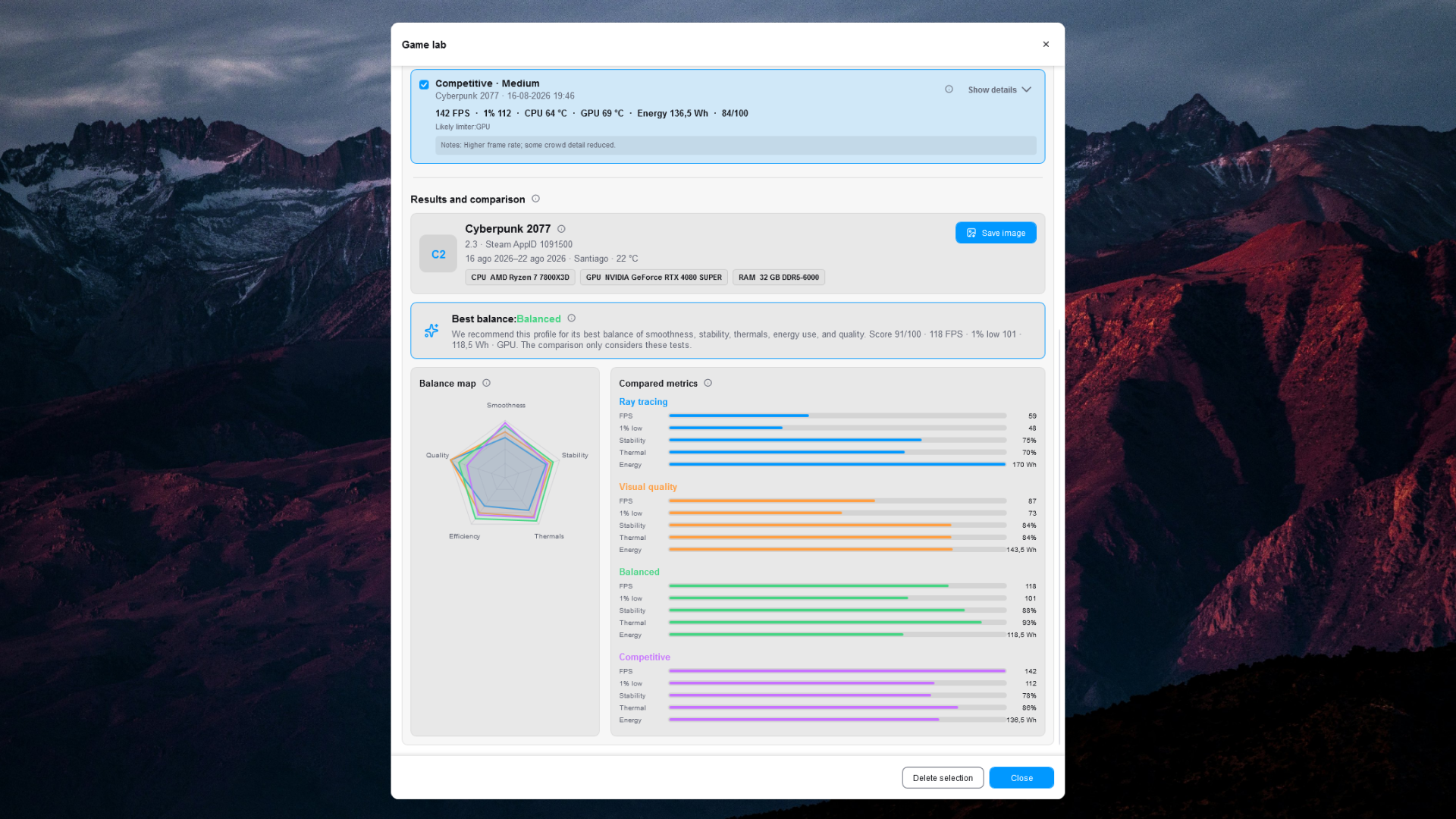
• Keep every Game Lab session for long-term comparisons.
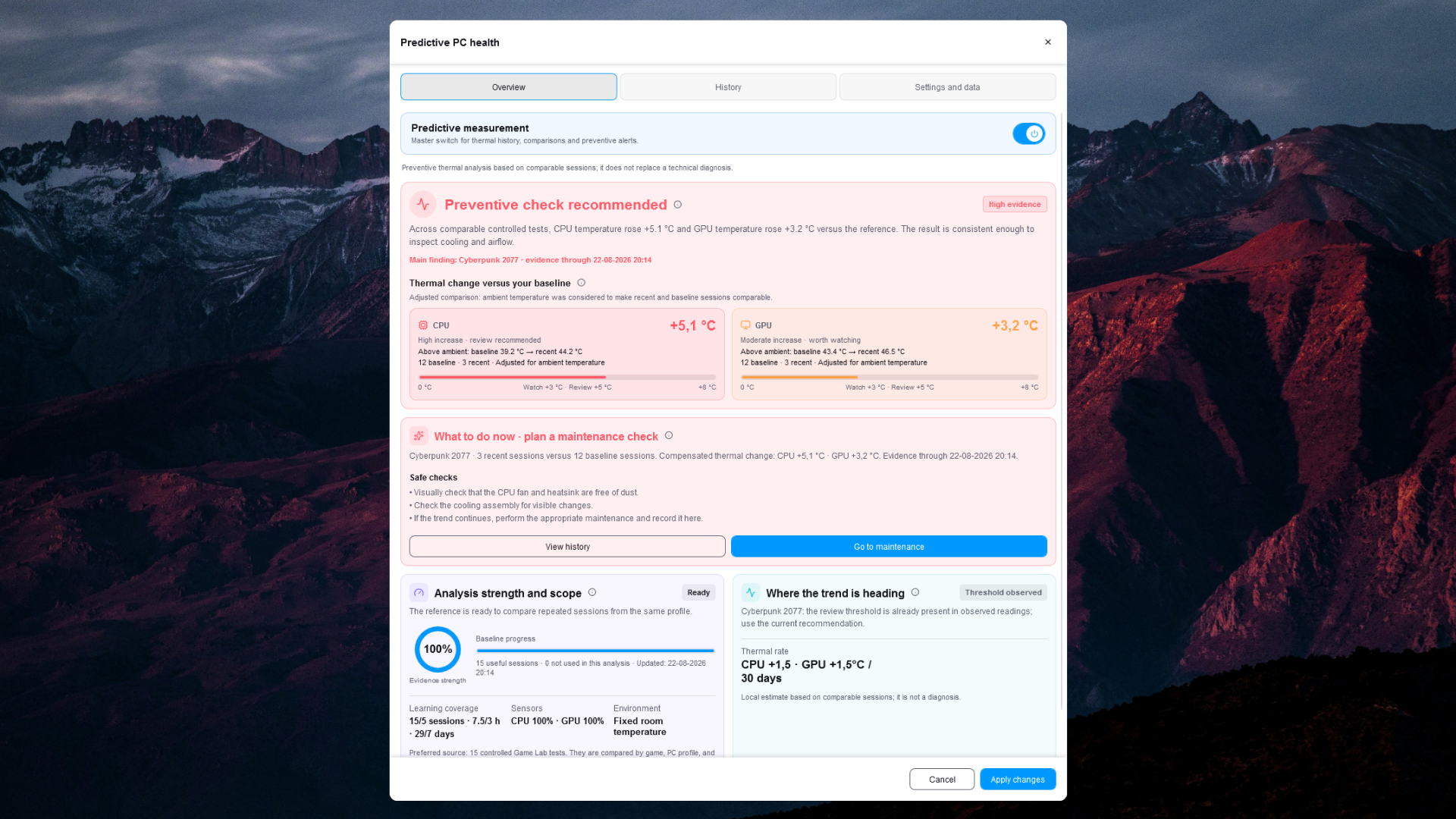
• Unlock extended PC Health history, trends, projections, calibration and recommendations.
• One-time purchase. No subscription.
DESIGN IT YOUR WAY
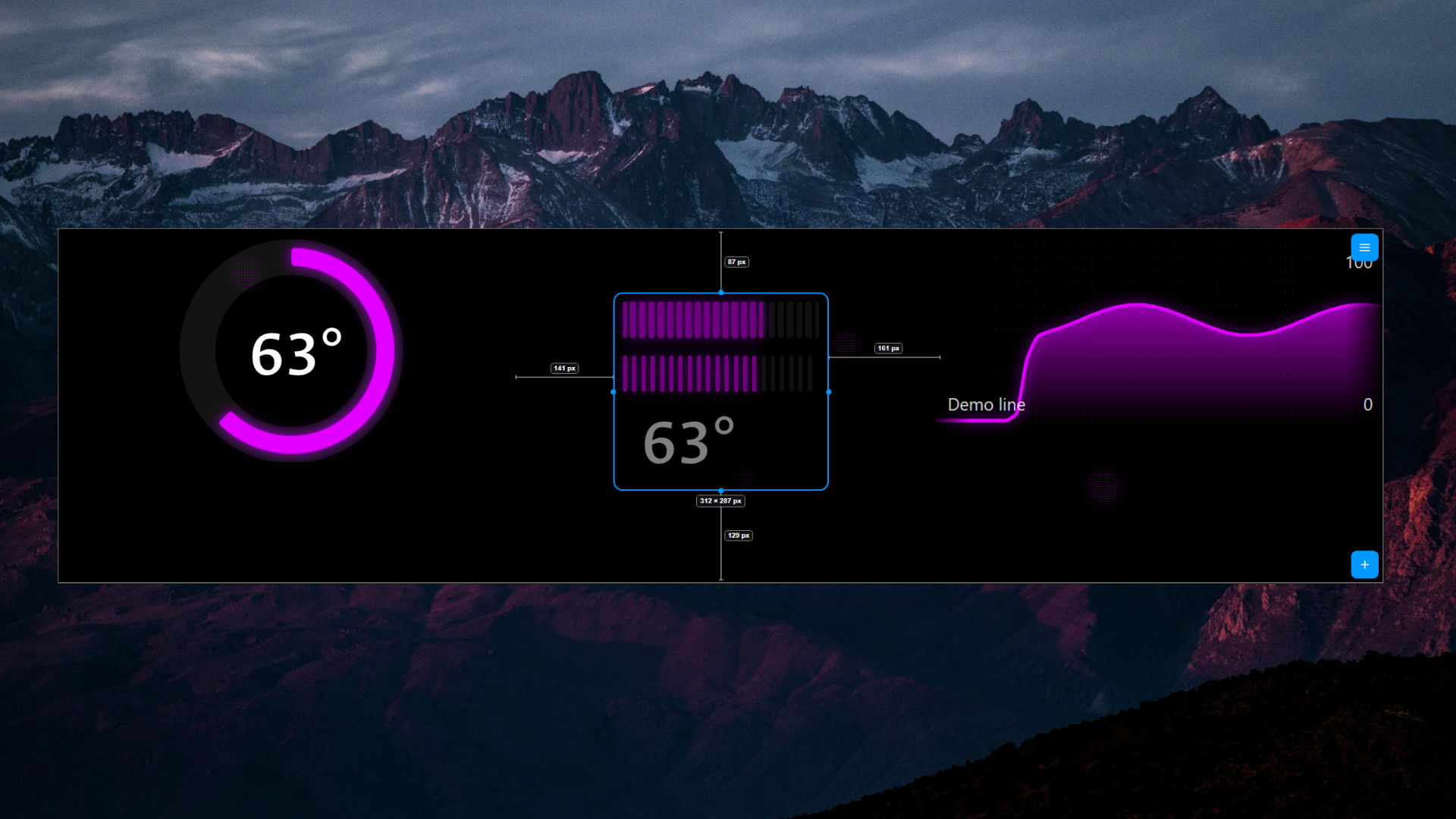
• Add, move, resize, copy and style widgets visually.
• Combine widgets inside cards and groups.
• Work on a grid or position elements freely by pixel.
• Use multi-selection, automatic snapping, guides, spacing measurements, layers, undo and redo.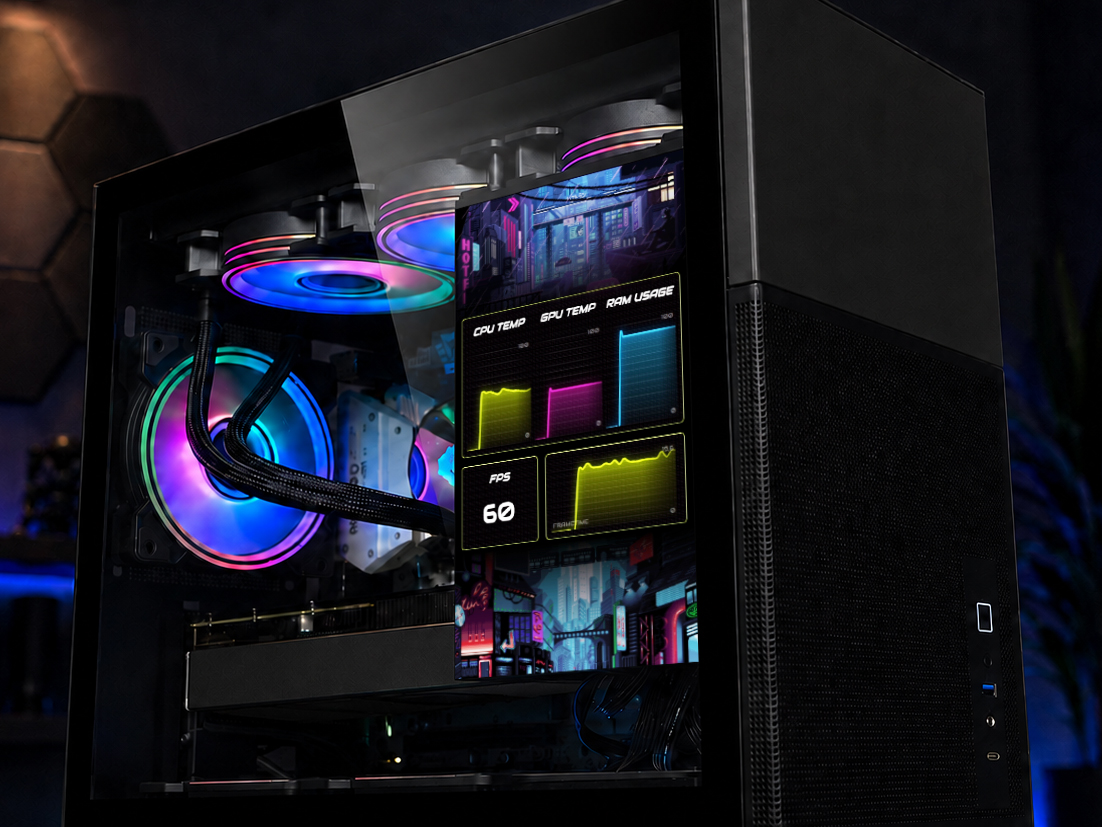
MONITOR WHAT MATTERS
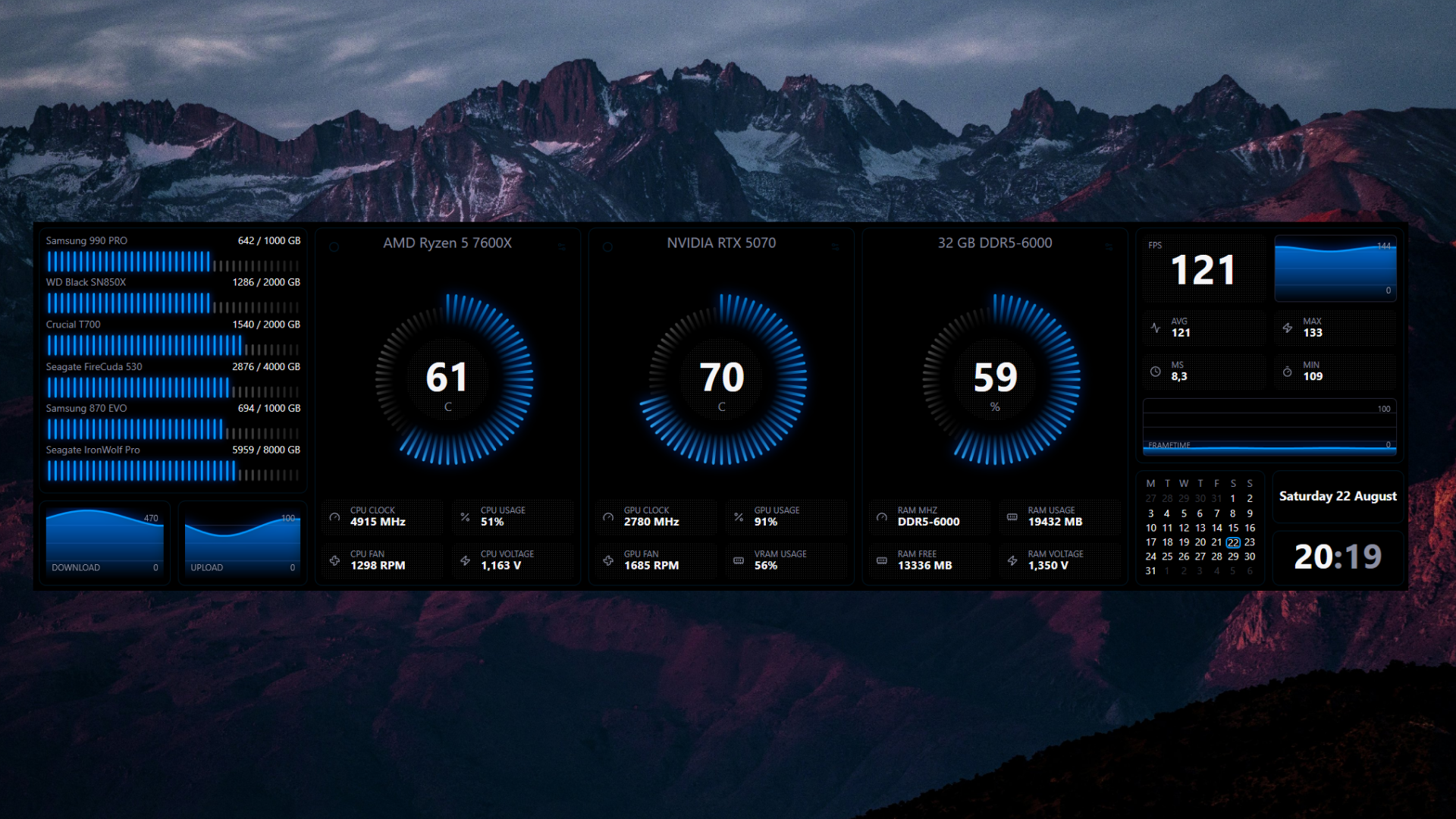
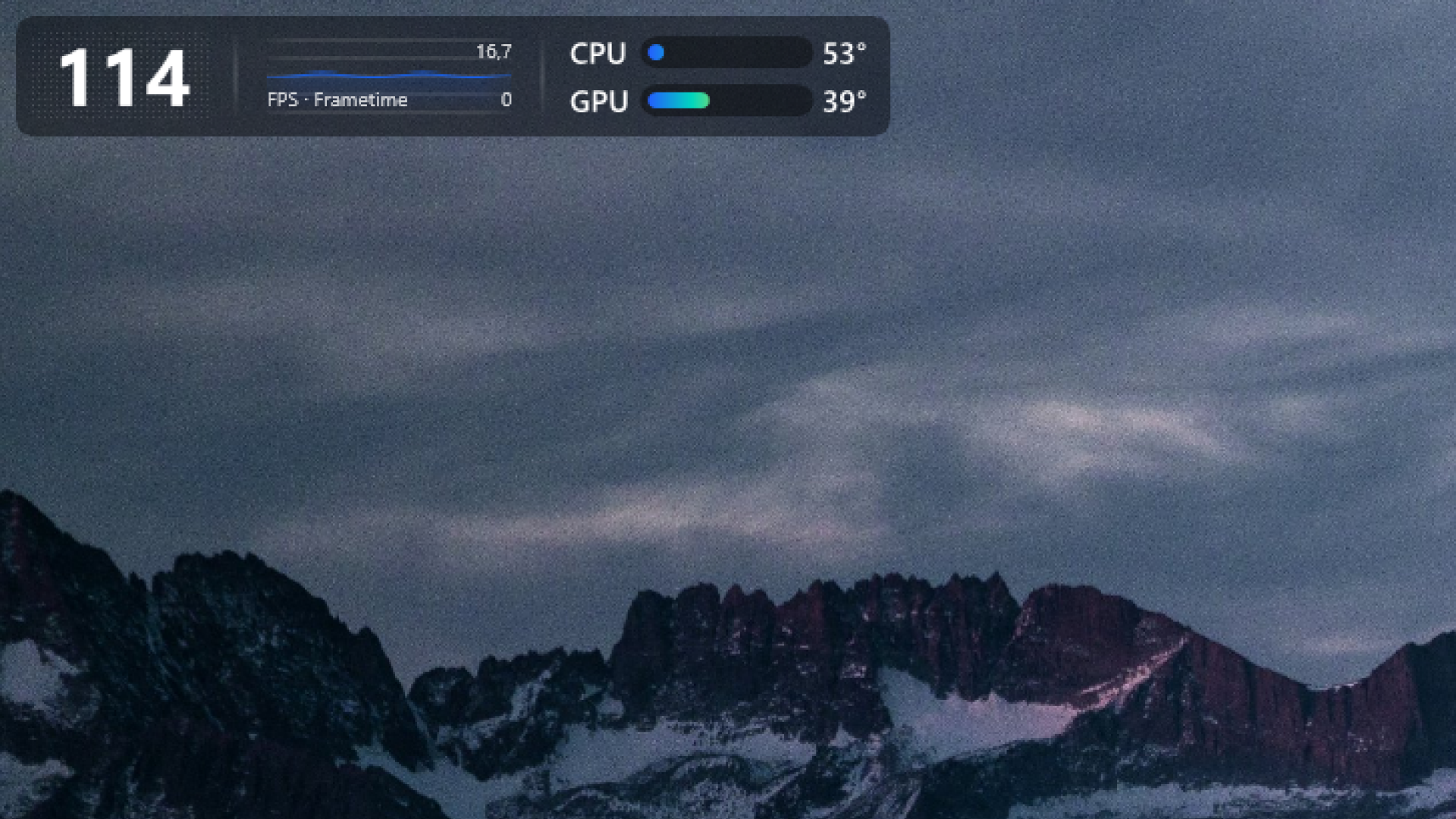
Build layouts with CPU, GPU, RAM, VRAM, storage, network, FPS, frametime, clocks, calendars, media, weather, local game information, text, images, GIFs, gradients and multiple chart styles. Available readings depend on the sensors exposed by your hardware, Windows and drivers; unavailable values are marked N/A.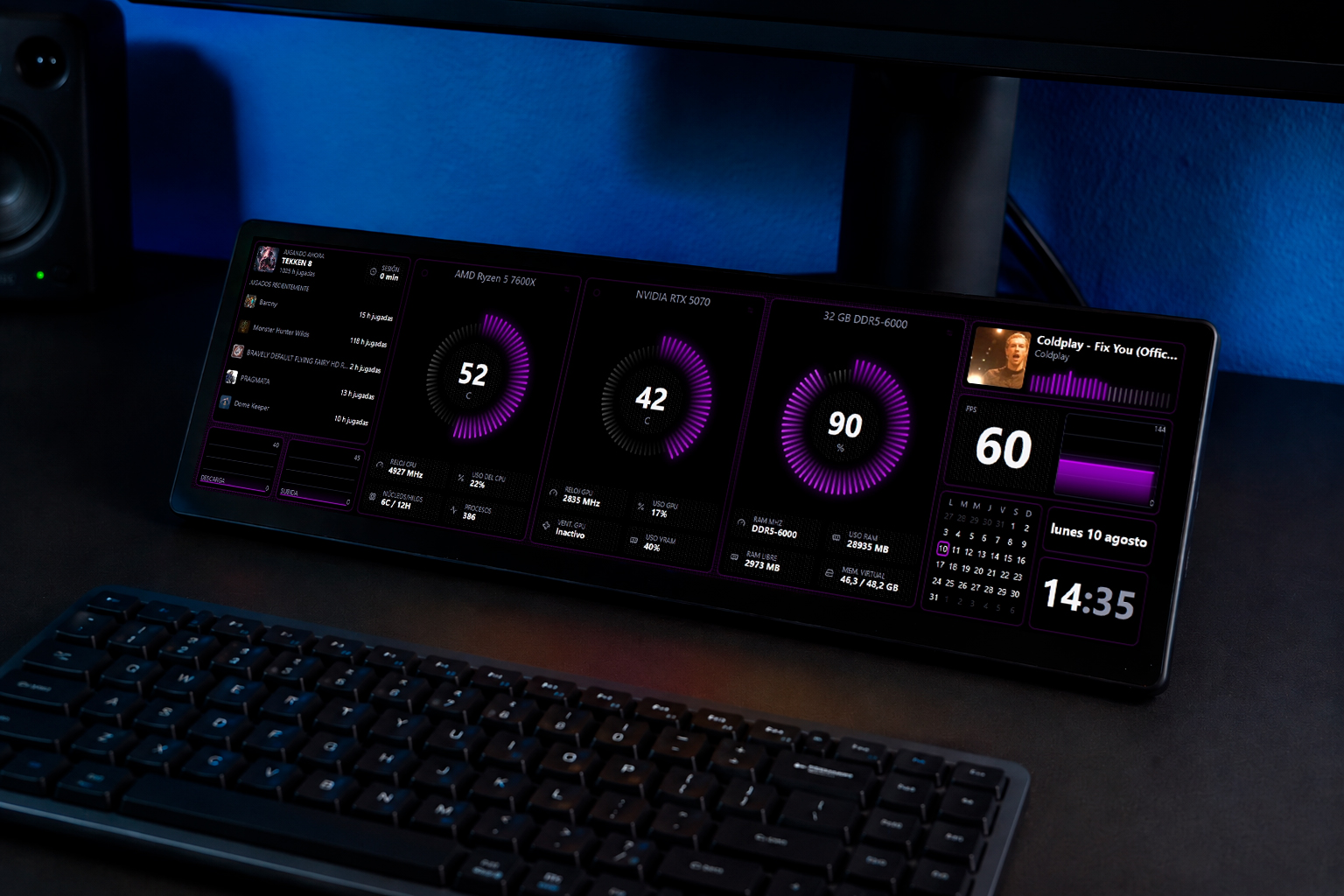
DASHOVERLAY
Dashoverlay is a compact, independently themed strip for your main display. Show or hide it with configurable shortcuts and arrange its widgets in its own editor.
PC HEALTH
Build separate local baselines for games, demanding applications, everyday use and idle periods. The complete edition preserves extended history and unlocks advanced analysis, trends and recommendations. PC Health offers context—not a hardware-failure diagnosis.
GAME LAB
Keep every compatible session and compare FPS, 1% low, frametime, temperatures, stability and power-related readings when available. Game Lab compares this PC with itself under similar conditions; it is not an absolute cross-PC benchmark.
LOCAL-FIRST PRIVACY
Hardware readings, FPS analysis, audio-reactive visualization, themes and optional history are processed locally. Dashdoce does not require an account, include advertising or send automatic telemetry or crash reports. Steam is not required and Steamworks is not included.
EARLY ACCESS BETA
Dashdoce is developed independently by one creator. The current beta is functional, but bugs, hardware-specific limitations and changes to features or saved-theme formats may occur before version 1.0. Development will continue based on user feedback.
REQUIREMENTS
• Windows 10 or Windows 11, 64-bit.
• A secondary display is recommended, but not required.
• MSI Afterburner is optional and provides additional sensor values on supported PCs.
WINDOWS SMARTSCREEN
This early beta is currently unsigned. Windows may display an “unrecognized app” SmartScreen message. This reflects publisher reputation and does not mean Windows detected malware. Download Dashdoce only from this official itch.io page.
INSTALLER CHECKSUM (SHA-256)
93CFE648CDF95BA6022A2569FA79E21AAA6012D0FCAB87DB6B4AE670C17D0344
Official website: https://dashdoce.com
Purchase
In order to download this software you must purchase it at or above the minimum price of $7.99 USD. You will get access to the following files:
Leave a comment
Log in with itch.io to leave a comment.